
Weak Router Security
Default admin passwords and shared WiFi passwords create avoidable risk. We set safer credentials and explain who should have access.
Router and internet gateway setup for homes, offices and small businesses
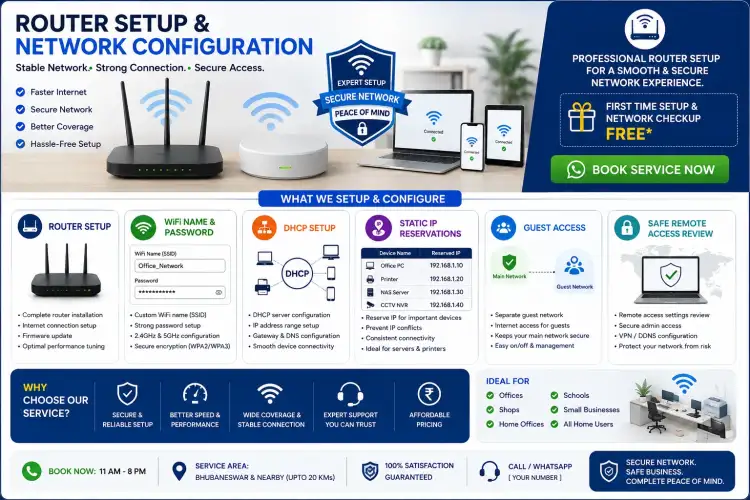
The router controls how your users reach the internet and how local devices communicate. Poor configuration can create weak WiFi, IP conflicts, exposed devices, guest access problems and repeated downtime. The Best Freelancer configures routers in Bhubaneswar for homes, offices, shops, clinics, schools and startups that need stable and understandable network access.
We configure ISP routers and common office routers with a focus on stable access and basic security. This may include changing unsafe default passwords, setting WiFi names, separating guest access, reviewing DHCP ranges, reserving IPs for printers or NAS devices, and documenting important settings for future support.
| Setting | Purpose | When Needed |
|---|---|---|
| DHCP range | Controls automatic IP assignment | Offices with many devices |
| Static reservation | Keeps key devices on known IPs | Printers, NAS, DVR and servers |
| Guest WiFi | Separates visitors from office devices | Hotels, clinics, offices and shops |
| Port forwarding | Allows controlled external access | Only when a service truly requires it |
Default admin passwords and shared WiFi passwords create avoidable risk. We set safer credentials and explain who should have access.
Printers, NAS devices and DVRs often need predictable addresses. We configure reservations or static IP planning to reduce conflicts.
Some issues come from router placement, overload, poor firmware or bad cabling. We identify whether the issue is local or ISP-side.
Yes, if the router supports your ISP connection type and the necessary login or connection details are available.
Yes, when there is a valid requirement. We also explain the security risk before exposing any internal device or service.
Call +91 79786 04102 or message on WhatsApp.